



스트리밍 미디어 플레이어
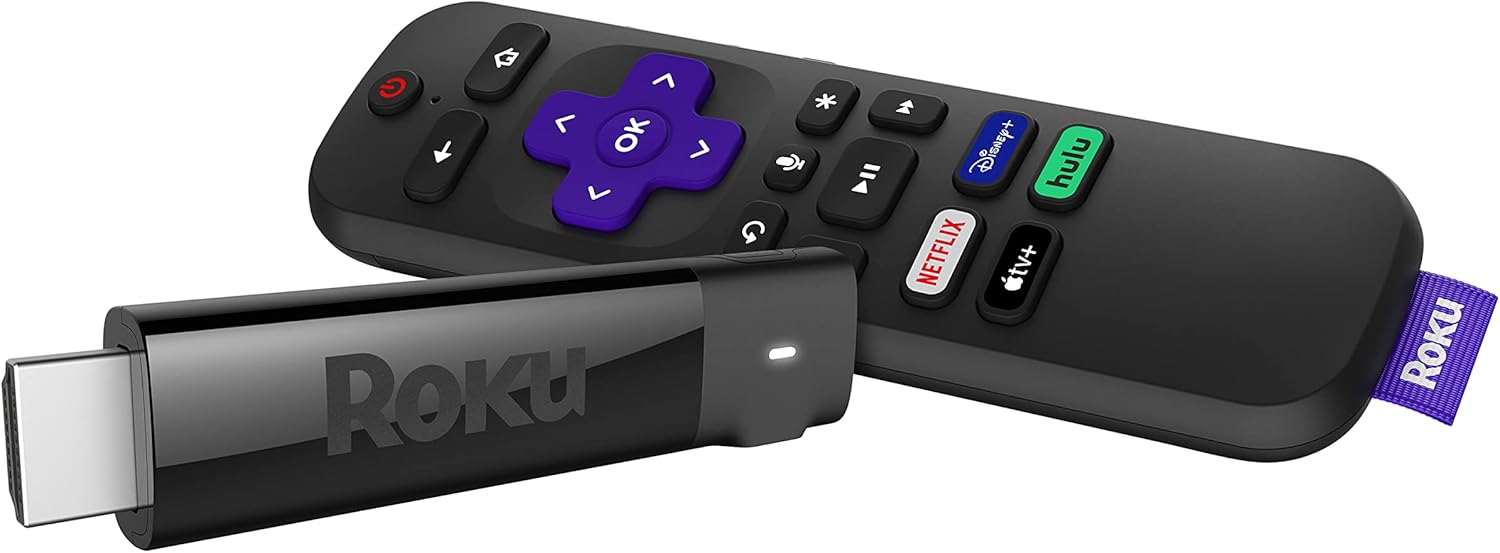
Roku Streaming Stick+ | HD/4K/HDR Streaming Device with Long-range Wireless and Roku Voice Remote with TV Controls
4.70
지난 32시간 동안 판매됨 47
$ 36.14
$ 36.00
--0.39%
Here are my experiences with the 2017 Streaming Stick+ Roku.First let me specify my setup. I have a slow 2.4 (typically) Mbps Internet connection. Previously I was using a Panasonic BMP110 Blu-Ray player for what little streaming I did. That was mainly used for trying out the Vudu free movies. It was marginal; with my slow connection, sometimes it would work pretty well, and sometimes it would complain and give up intermittently.I have a Yamaha VX-477 Receiver.And it all feeds into a 2011 Panasonic Plasma TV.Setup:It probably isn’t very important, but the remote uses AAA batteries, not AA. I slapped in a couple of Eneloops and it’s happy.I see people complaining about having to give credit card information to activate their Roku. This is not necessary. Go to the page made for this option: my dot roku dot com/signup/nocc, and you can create a Roku account without entering any credit card or PayPal information. I know, because I did it.If you’re wondering about using the Roku with an A/V receiver, that works. I plugged the stick into one of the HDMI inputs on my Yamaha, and it works just fine. 4K wouldn’t cut it, because my receiver doesn’t really support it. But my TV isn’t 4K anyway, so that isn’t a problem.Some people are complaining about HDCP errors. This is probably because they’re trying to use 4K video on a TV that doesn’t support HDCP 2.2. My five year old TV works just fine, because it’s only 1080p. If you want to see 4K video, make sure your TV really supports HDCP2.2. And you need an HDMI connection that also supports HDCP 2.2. On some TVs that’s only one port.If 1080p24 is important to you, Roku says only the 4K devices can do it. I had to turn it off; when the movie would break for commercials, the receiver usually flaked out. I would have to switch HDMI inputs on the receiver, then switch back to the original. The guide says the screen may flash black; mine mainly went to snow, and wouldn’t recover. So I’m doing without 1080p24. It might work better for people who plug it directly into the TV; I didn’t try that.The specs talk about 802.11ac, but it works just fine on my old router without ac.To set this thing up, look at the Quick Start Guide, or just go to the Roku page about your specific device. Basically I just plugged the stick into an HDMI input, plugged the power adapter into my UPS, and connected the cables. It started right up.I haven’t tried different models, so I can’t offer a comparison. But the Streaming Stick+ works great.First you have to pick a wireless network, and provide the password. Then the stick downloads the latest firmware.When it restarted, mine didn’t connect the first time, even though it indicated it still remembered the password. After sitting for a while with a spinning wheel, it finally gave a 014.40 error, and suggested some alternatives. I just unplugged the power cable and plugged it back in. It restarted, and everything was fine.It will go through a few screens, and give you a four letter code. Go back to the page you end up at after creating your account online, or the page they refer you to. Enter the code, and you’re all set. You can select some channel options. Your stick is now busy setting up channels.And things seem to be working great. It does fine showing a movie in standard definition. It has trouble with the commercials; I wonder if they’re a higher definition. But it gets over it quickly.Things like rewind and fast forward are far better than on my old Blu-Ray player.So far I’m just using things that are free. Look around online at the Roku site, and you can see what’s available.So in summary:This thing works surprisingly well with a slow connection. You don’t get 4K video, but it looks pretty good in old-fashioned 1080p (which is probably really a lot less, as in standard def upscaled to 1080).It works plugged into a receiver that then separates out the audio, and passes the video on to the TV.It works with old routers that don’t have 802.11ac. And it works with new routers that have 5GHz ac.You can create an account without providing any credit card information.I recommend this device to anyone that needs a streaming connection.
18 현재 누군가가 웹사이트를 탐색 중입니다.
수량:
-
+
예상 배송 시간: 12~26일(국제), 3~6일(미국)
구매일로부터 45일 이내에 반품이 가능합니다. 관세 및 세금은 환불되지 않습니다.
-
ASIN:
B075XLWML4
-
BATTERIES:
2 AAA batteries required. (included)
-
BEST_SELLERS_RANK:
#8,726 in Electronics (See Top 100 in Electronics) #60 in Streaming Media Players
-
BRAND_NAME:
Roku
-
COLOR_NAME:
Model
-
CUSTOMER_REVIEWS:
4.7 4.7 out of 5 stars (126,401) 4.7 out of 5 stars
-
DATE_FIRST_AVAILABLE:
October 2, 2017
-
IS_DISCONTINUED_BY_MANUFACTURER:
No
-
ITEM_MODEL_NUMBER:
3810R
-
ITEM_WEIGHT:
0.01 ounces
-
NUMBER_OF_COMPONENT_OUTPUTS:
hdmi
-
PRODUCT_DIMENSIONS:
3.7 x 0.8 x 0.47 inches
-
SPECIAL_FEATURES:
Wireless
안전한 결제를 보장하세요






제품 상세 정보
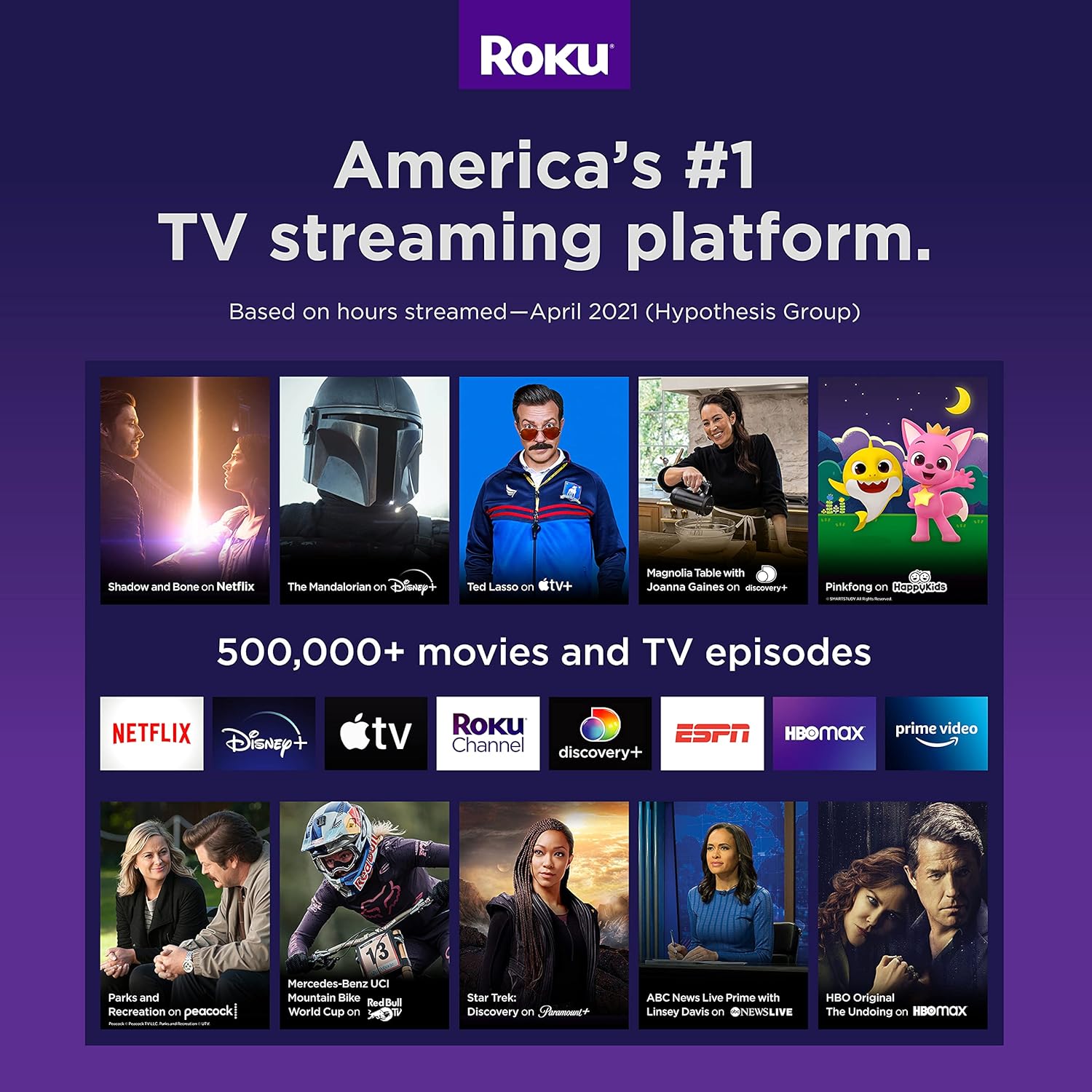
Powerful & portable. 4K & HDR streaming with long range wireless. Powerful and portable, Roku Streaming Stick+ is super charged with a long range wireless receiver for 4x the range and brilliant HD, 4K, and HDR picture quality. You’ll enjoy a stronger signal for smooth streaming even in rooms farther from your router. The included voice remote features buttons to turn on your TV, control the volume, mute, and search across channels with your voice. With easy access to free TV, live news, sports, movies, and more on hundreds of free channels, there’s plenty to enjoy without spending extra.
고객 리뷰
4.70
(100 점수)
댓글 취소
댓글을 남겨주세요

배송 및 반품
우리가 당신을 보호하겠습니다
대부분 지역에서는 배송비를 한 번만 지불하시면 됩니다 (주문 및 배송 페이지를 확인해 주세요).
구매 후 14일 이내 무료 반품 가능 (단, 수명이 다한 제품, 맞춤 제작 상품, 마스크, 향수 및 에어로졸과 같이 위험하거나 인화성 물질이 포함된 일부 제품은 제외).
수입 관세 정보
복잡한 절차는 저희가 처리해 드리겠습니다. 카나리아 제도를 제외한 모든 EU 국가, 영국, 미국, 캐나다, 호주, 뉴질랜드, 푸에르토리코, 스위스, 싱가포르, 한국, 쿠웨이트, 멕시코, 카타르, 인도, 노르웨이, 사우디아라비아, 대만, 태국, UAE, 일본, 브라질, 맨섬, 산마리노, 콜롬비아, 칠레, 아르헨티나, 이집트, 레바논, 홍콩 특별행정구, 바레인, 터키로 배송되는 상품 가격에는 모든 수입 관세가 포함되어 있습니다. 표시된 가격이 최종 결제 금액입니다.
예상 배송 시간
특급 배송: 7-10일
해당 창고에서 배송되었습니다.
반품 정책
반품 정책
저희는 제품 품질에 자신 있습니다. 만약 구매하신 제품에 완전히 만족하지 못하신다면, 수령일로부터 30일 이내에 간편하게 반품하실 수 있도록 정책을 마련해 두었습니다.
간편한 교환 또는 환불
- 다른 사이즈, 색상 또는 스타일의 상품으로 교환하거나 전액 환불받을 수 있습니다.
- 반품되는 모든 상품은 착용하지 않은 상태여야 하며, 원래 포장 상태 그대로 모든 태그가 손상되지 않은 상태여야 합니다.
간단한 절차
- 온라인으로 반품을 신청하거나 고객 서비스 팀에 문의하여 도움을 받으실 수 있습니다.
- 물품을 제대로 포장해 주시고, 원래의 포장 목록도 함께 넣어주세요.
- 반품하실 상품을 보내주실 때에는 저희가 제공해 드린 선불 배송 라벨을 사용해 주시기 바랍니다.
- 환불 요청 접수 즉시 처리해 드리겠습니다.
반품과 관련하여 궁금한 점이나 우려 사항이 있으시면 언제든지 저희 전문 고객 서비스 팀에 문의해 주세요. 고객 만족은 저희의 최우선 목표입니다.